

Short-form video (think 10–60 seconds) has become the fastest way to earn attention online—and it’s no longer “nice to have.” Marketers consistently report short-form video as one of the highest-ROI content formats, and brands are investing more in it because it performs across awareness, engagement, and conversion.
What’s changed is where short-form video can live: it’s still the engine of social media, but audiences increasingly expect that same snackable video experience on websites too.
Why Short-Form Video Works
It matches how people actually consume content now
Short-form video is built for mobile-first behavior: quick scanning, silent viewing, and high-repeat consumption. Platforms reward it with distribution, and viewers reward it with watch time and shares—two signals that often drive reach.
This is a major reason marketers consistently rank short-form video as a top ROI format.
It’s not just for social anymore
A growing share of consumers are open to short-form video experiences on publisher websites. That signals a broader shift: people expect video beyond social apps.
That’s an opportunity.
Instead of sending traffic from social to a static website, you can continue the short-form experience on your own platform — and move visitors closer to booking or buying.
What 10 Seconds Can Actually Do
Most businesses assume video has to be long to be effective.
It doesn’t.
A focused 10-second video can:
- Stop the scroll
- Establish brand vibe
- Reduce uncertainty
- Deliver one micro-tip
- Create emotional proof
- Drive a clear next step
For photographers, that might look like:
- Raw image → final edit transformation
- A bride reacting to her reflection
- A senior laughing mid-session
- A fast lighting setup change
- A quick “Here’s how booking works” explanation
Ten seconds is enough — if it’s intentional.
Where Short-Form Video Fits in the Customer Journey
Use this simple mapping:
Top of funnel (discovery):
Reels/Shorts/TikToks, “3 mistakes,” “before/after,” “POV”
Middle (consideration):
FAQs, mini case studies, comparisons, “what it’s like to work with us”
Bottom (conversion):
Social proof clips, testimonials, guarantees, limited-time offer explainer
Retention:
Tips for customers, behind-the-scenes, new releases, community highlights
Wyzowl’s long-running annual research regularly shows businesses are using video broadly, including social media videos as a major use case.
The key is not just posting video — it’s aligning video with the stage your audience is in.
Build Content Pillars (So You’re Not Posting Randomly)
Instead of chasing trends, create repeatable content pillars aligned to the journey:
A content pillar is basically a main theme you come back to over and over so you’re not just posting whatever pops into your head that day. Instead of chasing every trend, you create a few repeatable categories that guide what you share. For example, you might have an Attraction Pillar with transformations, trends, POV moments, or dramatic reveals to grab attention and reach new people.
An Authority Pillar can answer FAQs, share what-to-wear tips, explain your process, or bust common myths so potential clients feel confident. A Connection Pillar lets people see the human side of your brand through client reactions, behind-the-scenes clips, your story, and emotional highlights. And a Conversion Pillar makes it easy to take the next step with posts about booking, packages, testimonials, and availability.
When you create one piece of content for each pillar every week, you naturally guide people from discovering you to actually booking—without constantly wondering what you should post next.
1. Attraction Pillar
- Transformations
- Trends
- POV moments
- Dramatic reveals
Goal: Reach new people.
2. Authority Pillar
- FAQs
- “What to wear” guides
- Process explanations
- Myth-busting clips
Goal: Reduce hesitation.
3. Connection Pillar
- Client reactions
- Behind the scenes
- Your story
- Emotional highlights
Goal: Build trust.
4. Conversion Pillar
- Booking process
- Package overview
- Testimonials
- Availability announcements
Goal: Make the next step clear.
Create one video per pillar each week, and you’ll cover the entire customer journey without guessing.
How to Leverage Short-Form Video on Social Media
1. Pick 3 repeatable content “series”
Consistency beats “random viral attempts.” Good starter series:
- Quick tip (weekly): “One thing most people get wrong about…”
- Behind the scenes (weekly): your process in 15 seconds
- Proof (weekly): results, reactions, before/after, testimonial snippet
2. Build for silent-first and thumb-stopping
Most people watch without sound at first. You should:
- Put the headline in the first second
- Use captions (burned in or platform captions)
- Keep cuts tight; remove pauses
3. Use platform-native publishing (and repurpose intelligently)
Shoot once, publish everywhere:
- TikTok
- Instagram Reels
- YouTube Shorts
- Facebook Reels
Adjust captions and CTAs per platform.
4. Add CTAs that match the stage
Instead of always saying “Book now,” rotate calls-to-action:
- “Comment ‘GUIDE’ and I’ll send it”
- “Save this for later”
- “Visit the link in bio to see pricing”
- “Watch the pinned video to see examples”
How to Leverage Short-Form Video on Your Website (Where Most Brands Underuse It)
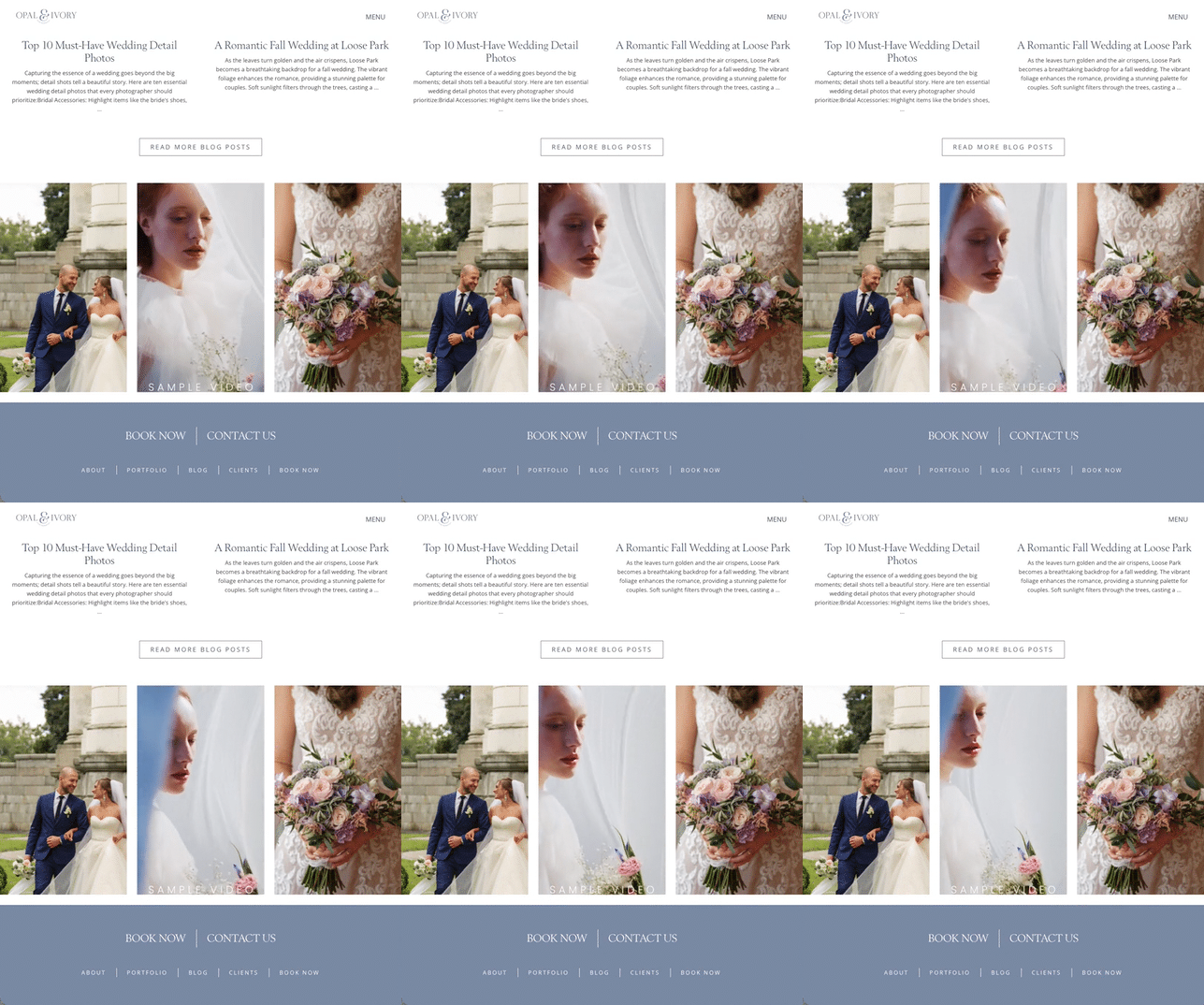
Social gets the views. Your website closes the deal. Short videos on-site reduce friction because they show what you do faster than paragraphs can.
With uploadable short videos in banners, story panels, list item layouts, and pinboard list item layouts, your website becomes immersive instead of static.
Here are the best on-site placements (and what to post in each).
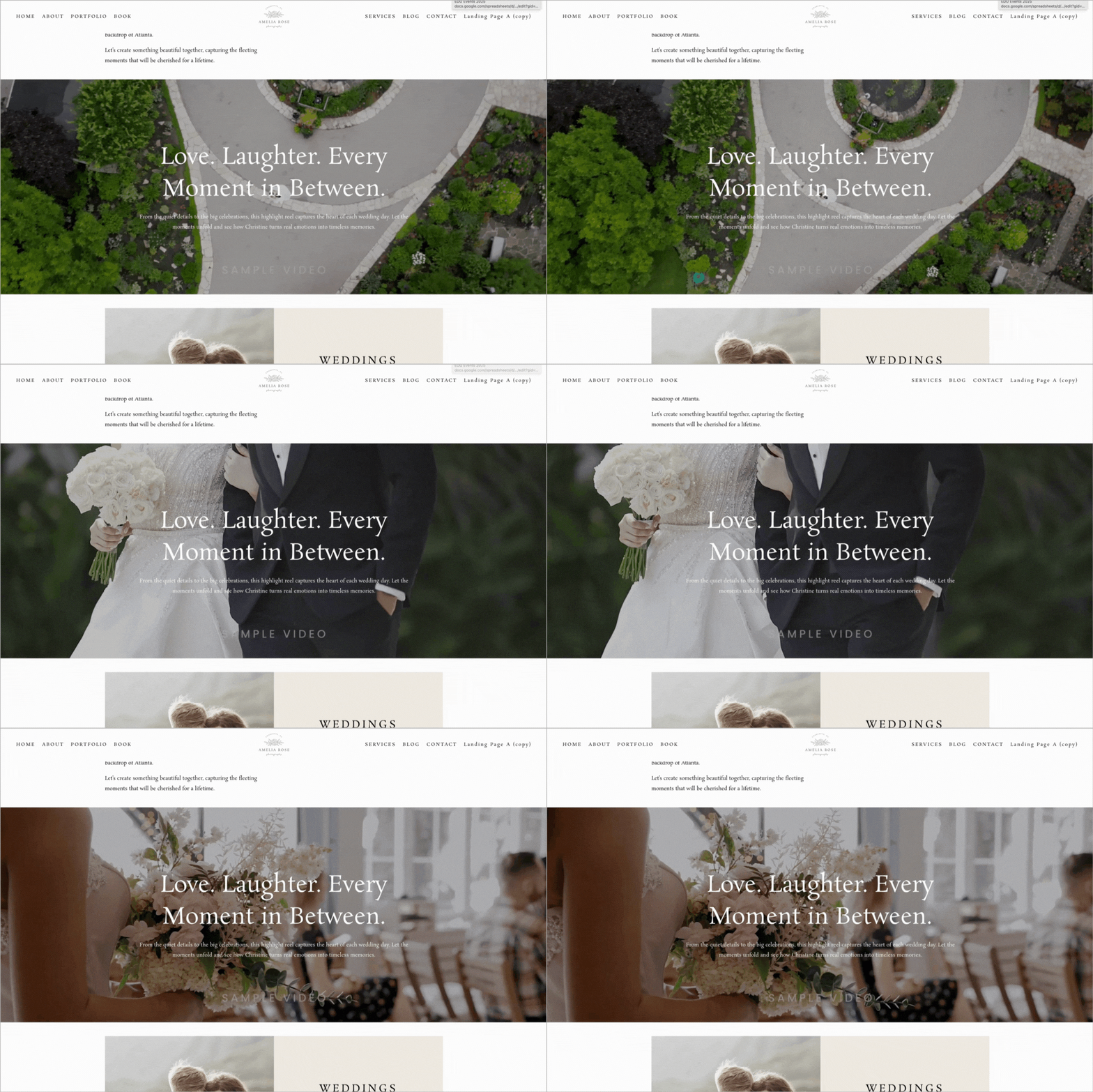
1. Banner Videos (Homepage + Landing Pages)
A 10–20 second loop (no audio required) showing outcome + human presence:
- Product in use
- Quick montage of work/results
- Short brand reel with 3–5 clips
Goal: Instant positioning + vibe + credibility
2. Story Panels (Scrollytelling Sections)
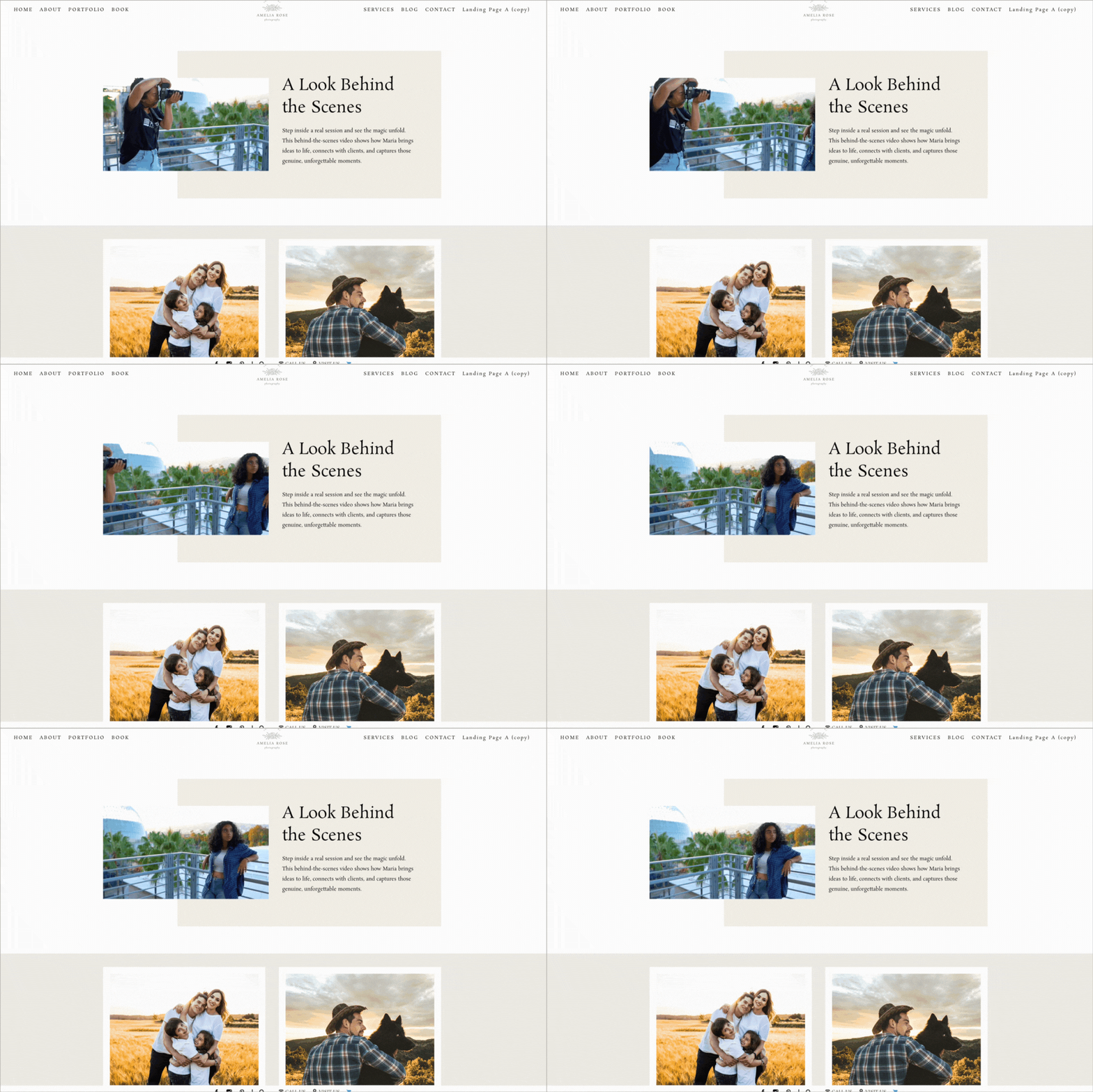
- “Problem → solution” micro-demo
- Quick founder intro
- FAQ answered on camera
- Proof montage (reviews/results)
- Each panel should have one job: one message, one video.
Goal: Guide visitors through a narrative
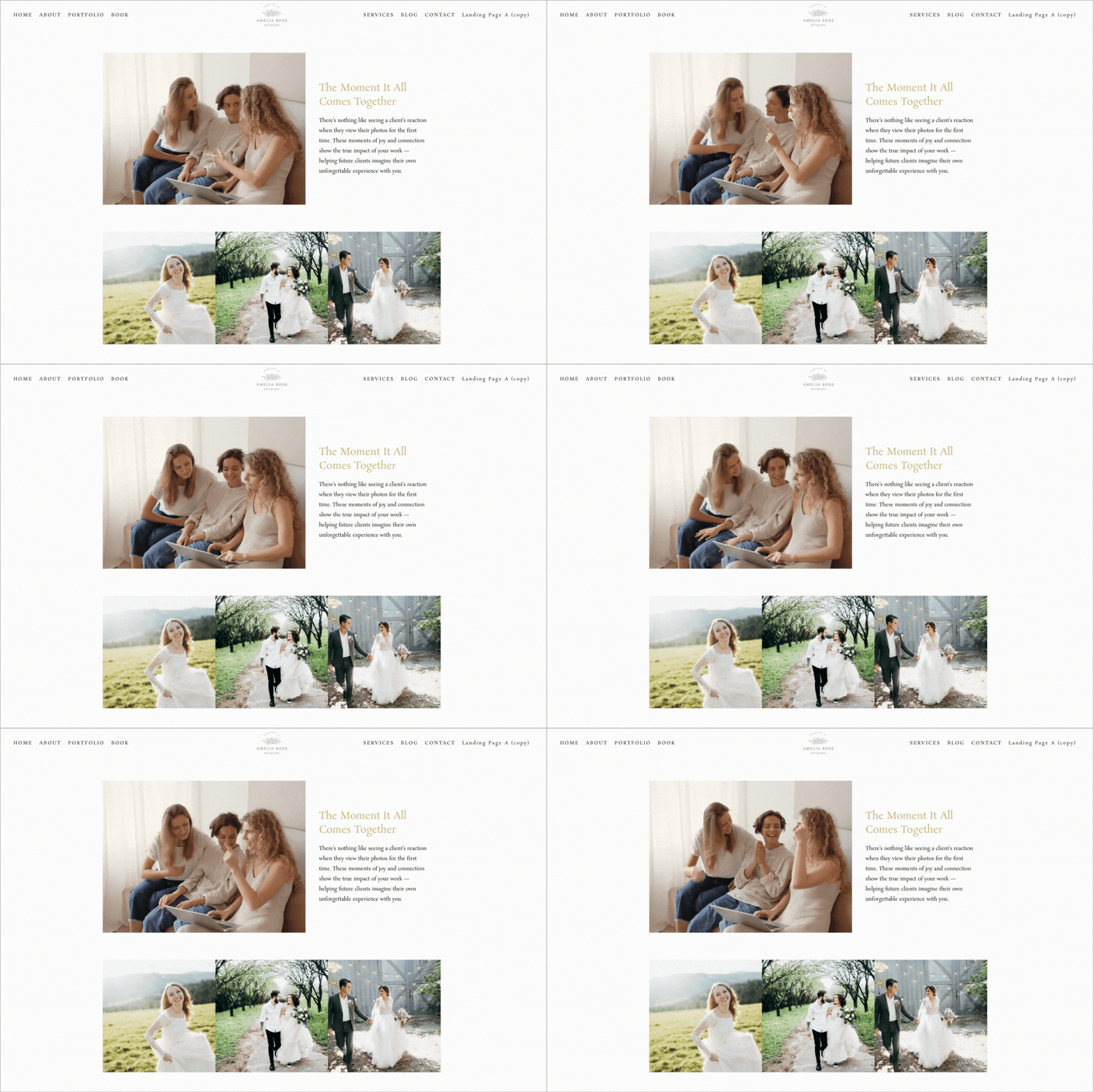
3. Video in Video Block Layouts
6–12 second “feature highlight” clips per item:
- “What this service includes”
- “How it looks / how it works”
- “Who it’s for”
Video ideas:
- Wedding service → cinematic highlight
- Senior portraits → transformation clip
- Newborn session → calm studio moment
Each service becomes visual proof instead of text-heavy explanation.
Goal: Make services instantly understandable
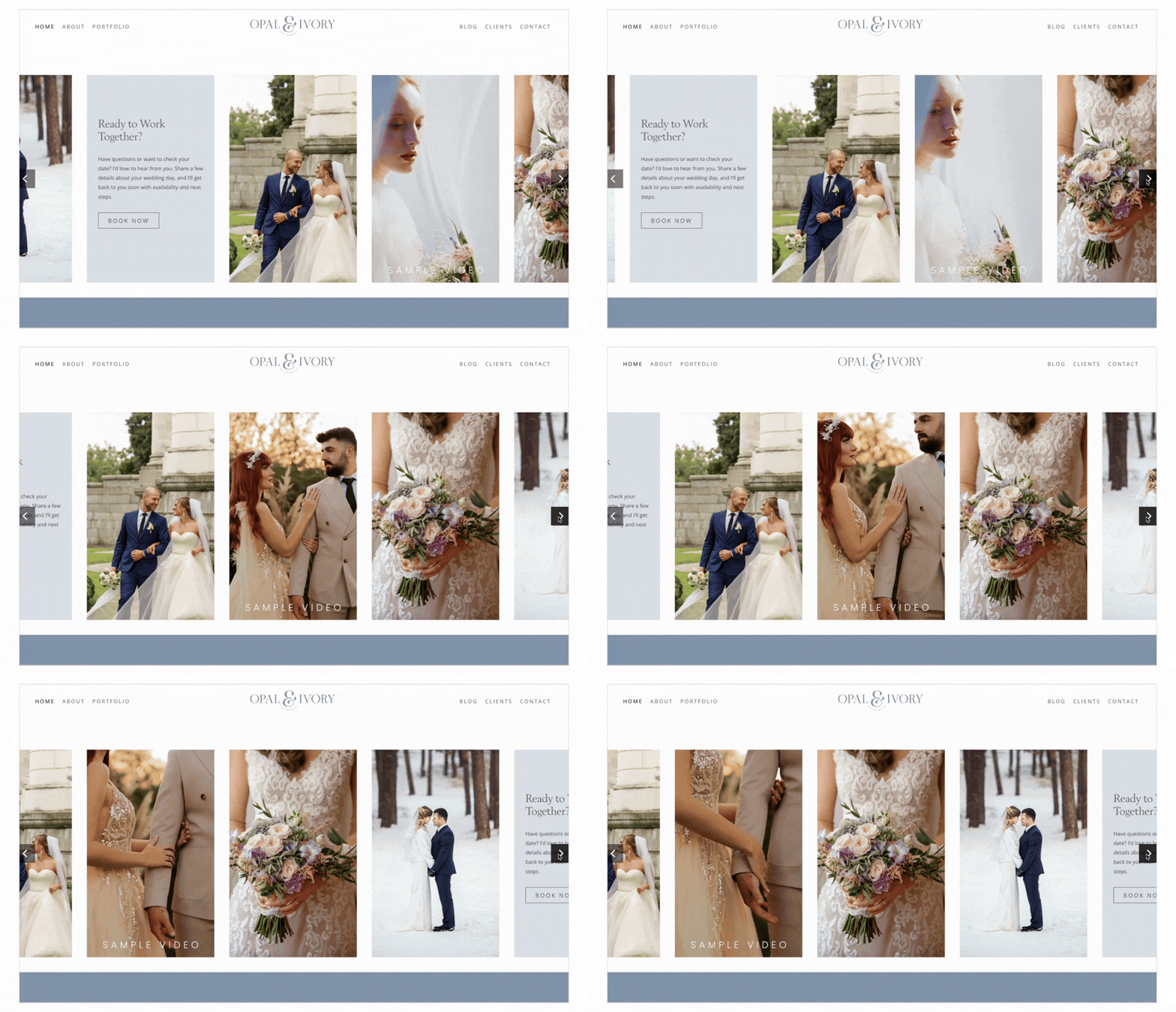
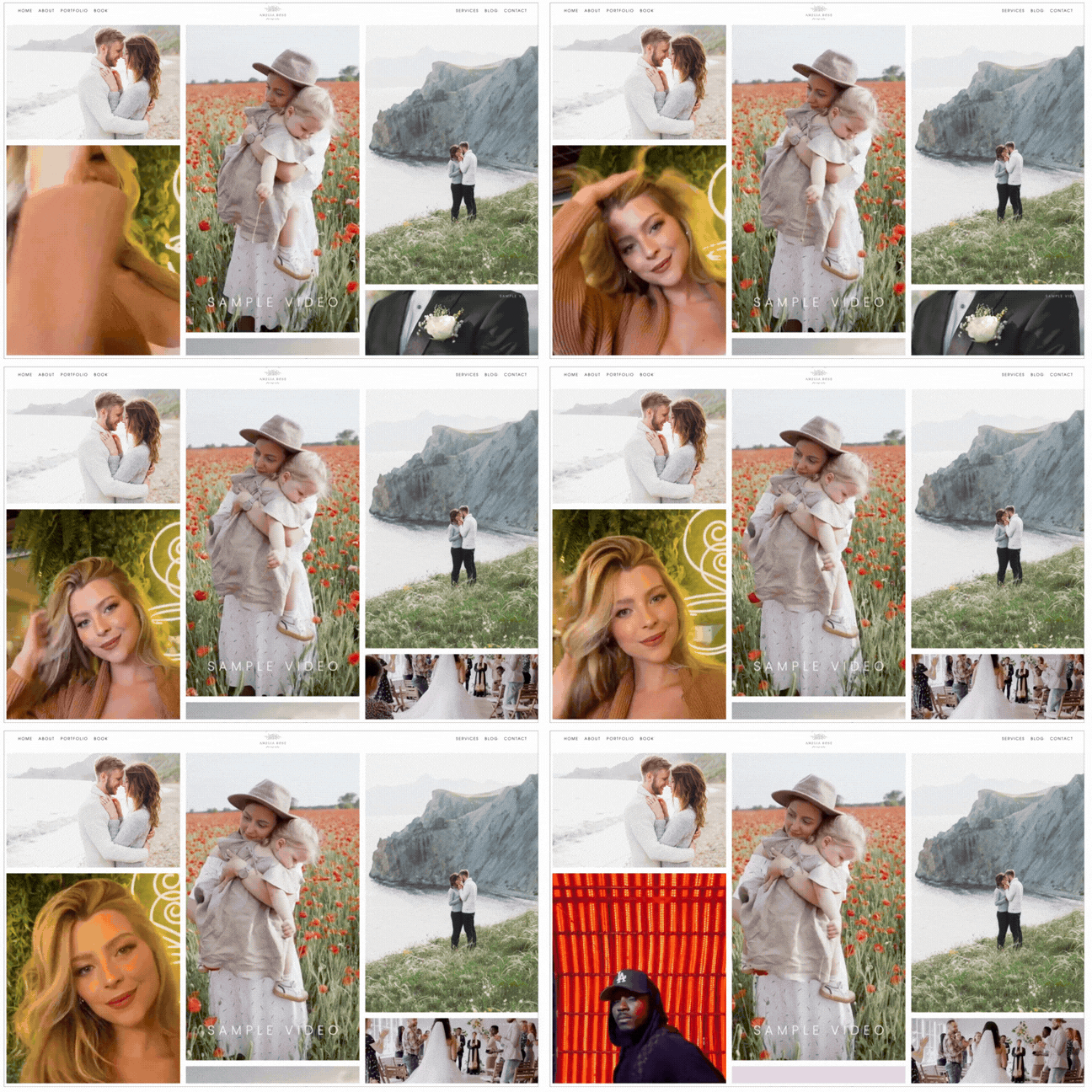
4. Video in Pinboard List Item Layouts
- Rotating results
- Mini case studies
- Category-based clips (“Weddings,” “Branding,” “Before/After,” etc.)
Pinboard + short video mirrors social browsing behavior — on your website.
And now you own the traffic.
Goal: Create a visual “browse and believe” experience
Make It Searchable: Video SEO Basics That Actually Matter
Posting video isn’t enough — search engines need context to understand and rank it. Even if your videos live in banners or story panels, anchor them to strong page context with clear H1 and H2 headings, supporting text that explains what viewers are watching, and a relevant title tag and meta description.
Finally, optimize the fundamentals: place keyworded headings near the video, and choose strong, relevant thumbnails. Context drives visibility — and visibility drives traffic.
Checklist: Publish-Ready Short-Form Video (Social + Website)
Creative
- Hook in first 1–2 seconds
- One message per video
- Captions included
- Clear CTA matched to goal
Technical
- 9:16 for social-first (ensure it crops well on site)
- Bright, stable, close framing
- Web-friendly file size
Website Placement
- Banner: mood + positioning
- Story panels: explain + answer objections
- List items: clarify offers
- Pinboard: browseable proof
Searchability
- Headings match video topic
- Supporting text reinforces keywords
- Structured data when possible
- Captions/transcripts included
The Key Takeaway
Short-form video transcends mere trends. It’s about meticulous clarity. It's about building trust in mere moments.
When integrated with your content strategy, customer journey, and optimal website placement, it evolves from simple content into a robust growth engine.
For photographers in particular, this represents a unique benefit. You already evoke emotions through imagery.
Now leverage that everywhere you can.


Leave a comment
0 Comments